by MAXXSOFTWARE INC.
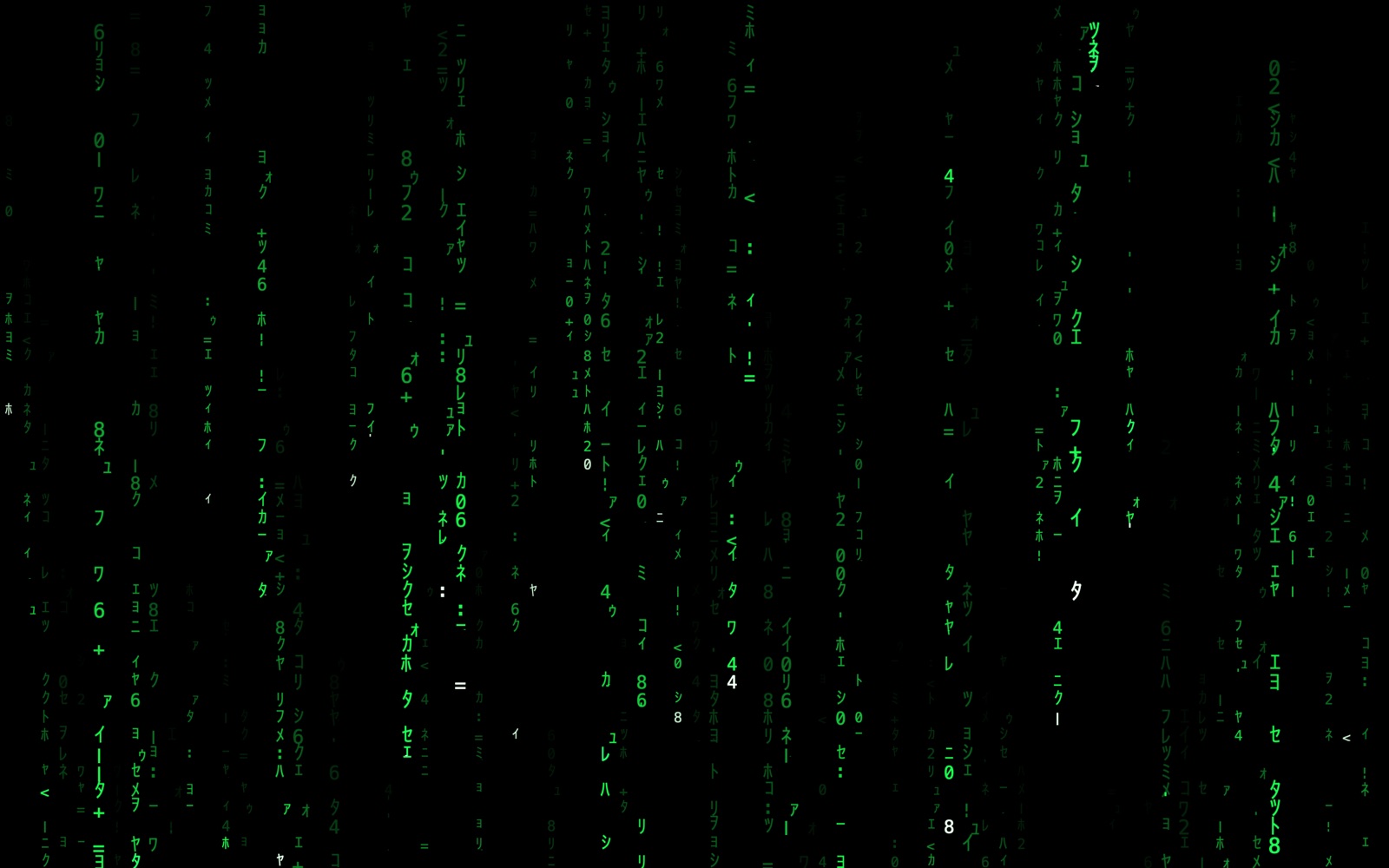
The iconic green code rain, reimagined as a fast, fully customizable visual. Tune the speed, density, color, glyphs, stream style and brightness, and save your favorite look.
Get it on the App Store iPhone · iPad · Mac · Apple TV
Turn your Mac's screensaver into Digital Rain, powered by the same rain engine as the app. Pick your look in the screensaver's Options: speed, density, color, glyphs, style and brightness.
Download the screensaver (DMG, 489 KB)
7b6ea0feb6648523c7255d0f9587559aaae75b01379510c4ff4c97dd7a2ec398To install
The screensaver is a separate download and keeps its own settings from the screensaver's Options panel.
Questions or feedback? Email support@maxxsoftware.com. Read the privacy policy — Digital Rain doesn't collect your data.